Too Bright? Leave the Exposure Alone for Now
一、Bright is not the same as clear
Over-bright images can come from the lamp, from a long exposure or from high gain. The first clips highlights, the second adds motion blur, the third amplifies noise. A fixed order tells you which one is responsible.
二、The fixed order
1. Set illumination once
Adjust the lamp to an even, comfortable field and leave it. Changing it invalidates exposure and white balance.
2. Set exposure next
Use the histogram: keep highlights off the ceiling and shadows off the floor. For moving specimens, shorten exposure before raising gain.
3. Gain is the last resort
Use it only when exposure cannot be shortened further, and note it in the record.
4. White balance on a blank brightfield area
Do it once, on a clear area rather than the darkest stained region.
5. Lock the settings for the batch
Same parameters for every slide. This matters more than sharpness when colour or intensity is compared.
三、Three common symptoms
1. Grey, low-contrast background
Check the condenser aperture and phase alignment before touching exposure.
2. Bright on one side
That is uneven illumination or an unflat field, an optical problem that software cannot repair.
3. Colour drift between batches
Usually white balance repeated each time, or a changed light source.
四、Extra rules for measurement images
1. Re-calibrate the scale
New objective, camera or intermediate magnification means a new calibration.
2. Keep raw files read-only
Store uncropped, unadjusted originals; save enhanced copies separately and state which was used.
3. Log the settings
Objective, exposure, gain and white balance in the figure note make a review six months later possible.
五、Closing
The goal is repeatability, not prettiness. A fixed order makes images comparable across operators and days.
Equipment mentioned
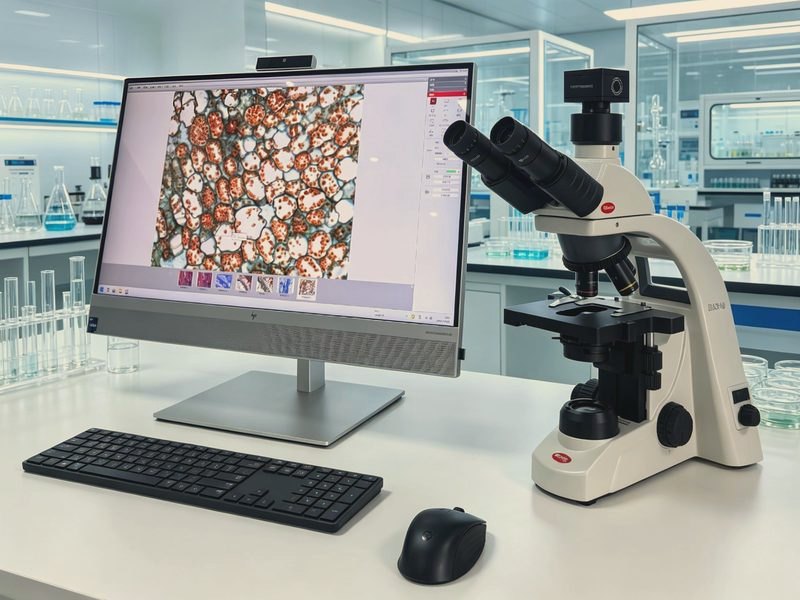
BA310 Digital Imaging Microscope
The BA310 digital imaging microscope is built for routine ob
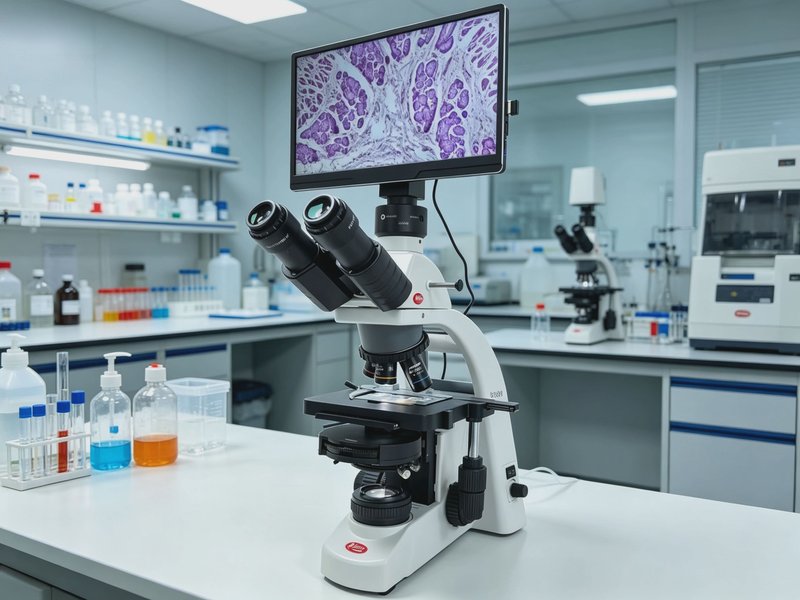
BA310 Tablet Digital Microscope
Based on the BA310 biological microscope platform, it integr
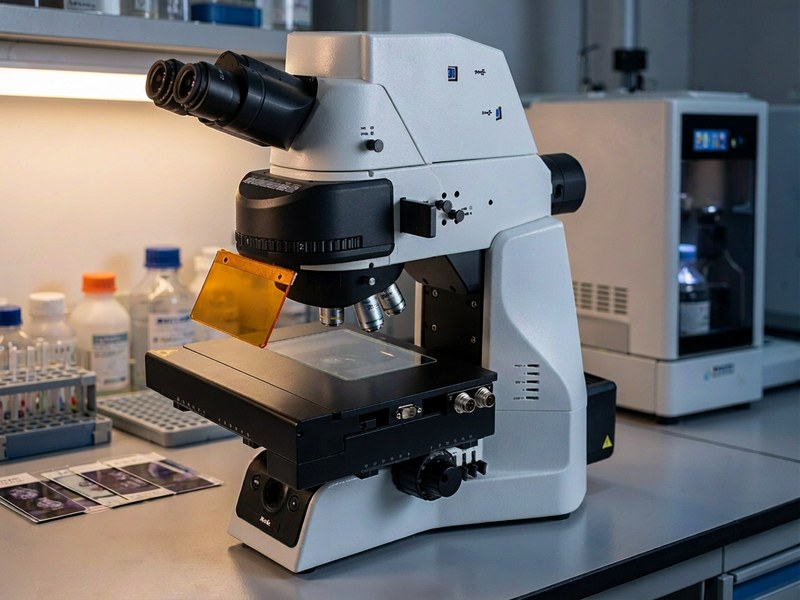
PA53 FS6 SCAN Multicolor Fluorescence Image Analysis System
The PA53 FS6 SCAN digital slide scanning platform works with